3 Ways to Find Your Parts
Choose whichever method suits you best. All three are available from every page on our site.
1
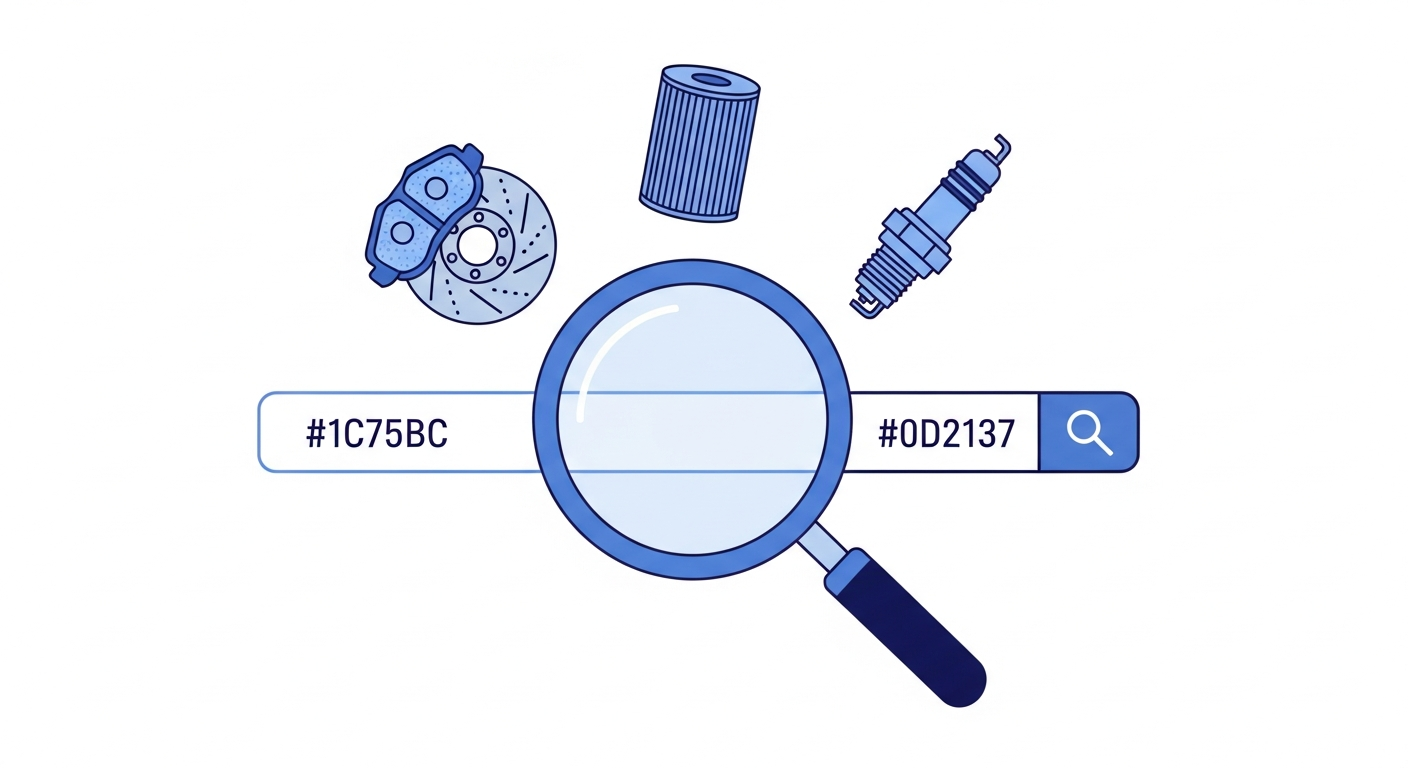
Search Bar
Type a part name or number
2
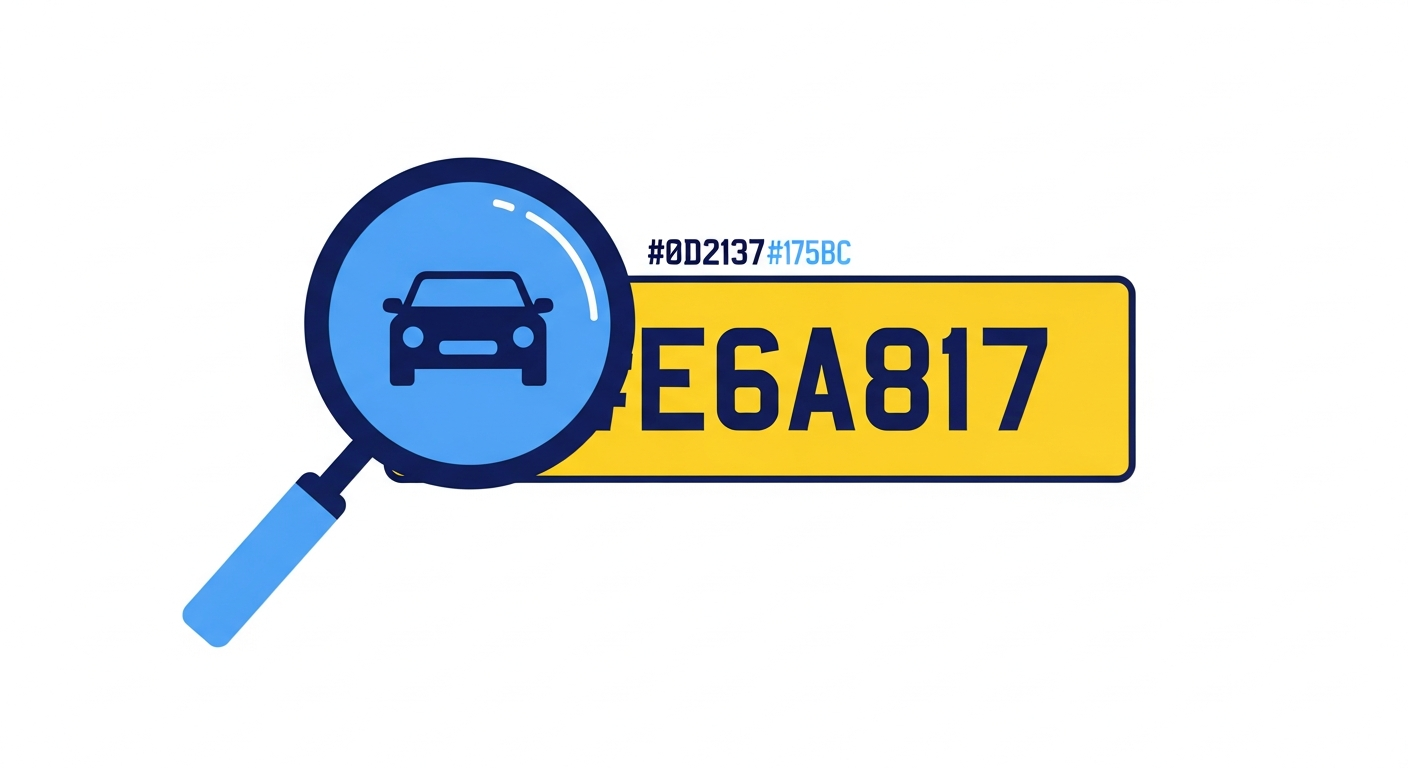
Reg Lookup
Enter your vehicle registration
3
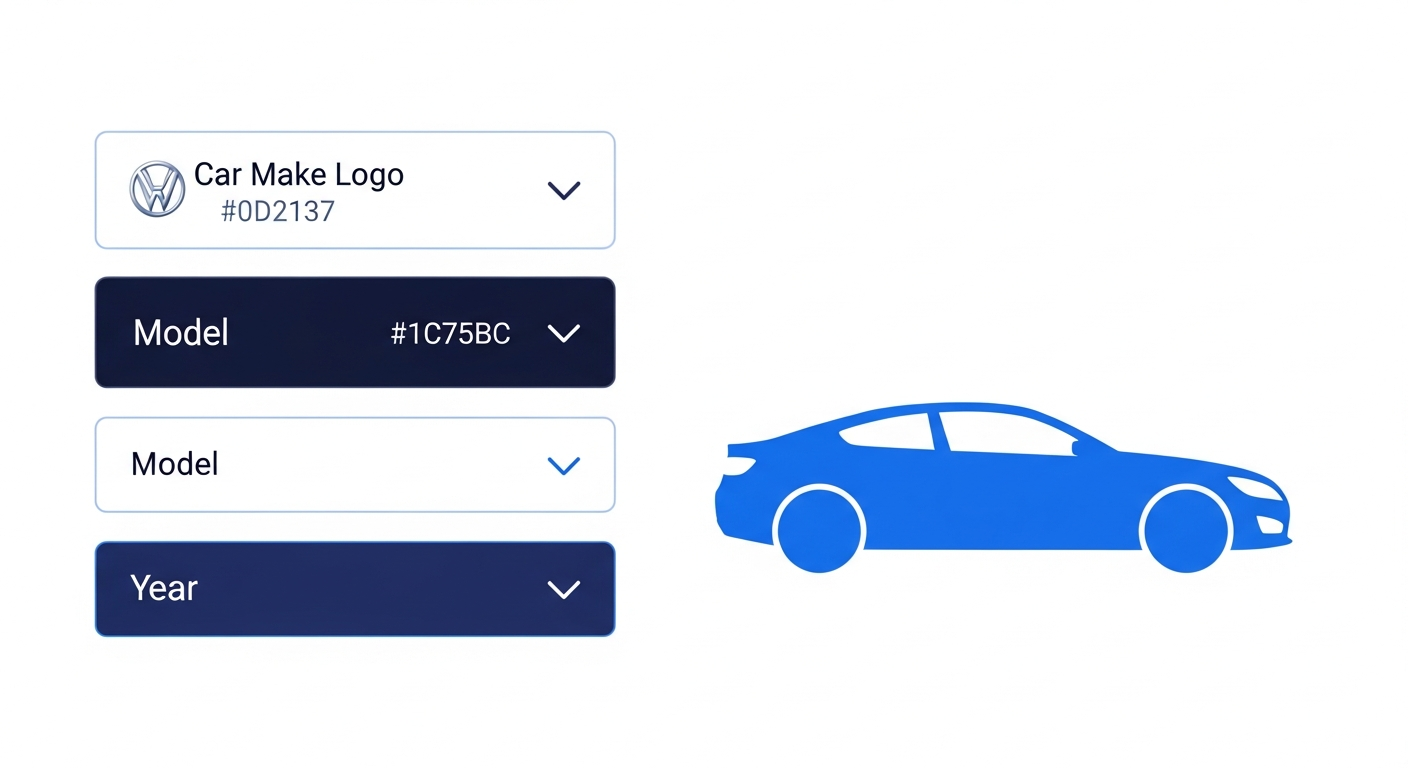
Manual Search
Select your make, model & year
How to use the Search Bar:
- Look at the top of any page — you will see the search bar that says “Search for car parts...”
- Click on the search bar and type what you are looking for. For example: “brake pads”, “oil filter”, “wiper blades”, or even a part number
- As you type, suggestions will appear below the search bar showing matching products
- Click on a suggestion to go straight to that product, or press Enter to see all results
- You can also use the Top Searched Parts buttons on the homepage to jump straight to popular categories like Oil Filters, Brake Pads, and Batteries
Tip: If you know the exact part number (e.g. from your old part), type it into the search bar for the fastest match.
How to use the Reg Lookup:
- On the homepage, look for the bright yellow box that says “ENTER REG” — it is right below the main navigation bar
- Click inside the yellow box and type your vehicle registration number (e.g. AB12 CDE)
- Click the green “Search” button next to it
- Our system will instantly identify your vehicle — you will see your car’s make, model, engine size and year confirmed on screen
- Check the details are correct for your vehicle, then confirm
- Now when you browse or search for parts, only parts that fit your exact vehicle will be shown — no guesswork needed
Why use Reg Lookup? This is the most reliable way to find parts. It checks your vehicle’s exact specifications (engine code, year, variant) so every part shown is compatible with your car.
How to use Manual Vehicle Search:
- On the homepage, find the yellow Reg Lookup box and look for the link that says “I don’t know my registration” — it is just to the right of the Search button
- Click on “I don’t know my registration”
- A new search form will appear. Start by selecting your vehicle’s make from the dropdown (e.g. Ford, BMW, Vauxhall)
- Next, select your model (e.g. Focus, Fiesta, Corsa)
- Then select the year of your vehicle
- If prompted, select the engine type or variant to narrow down the exact specification
- Click “Search” and you will see parts that match your selected vehicle
When to use this: This is ideal when you are shopping for a car you do not currently have to hand (e.g. a family member’s car) or when your vehicle is a kit car or import without a standard UK registration.
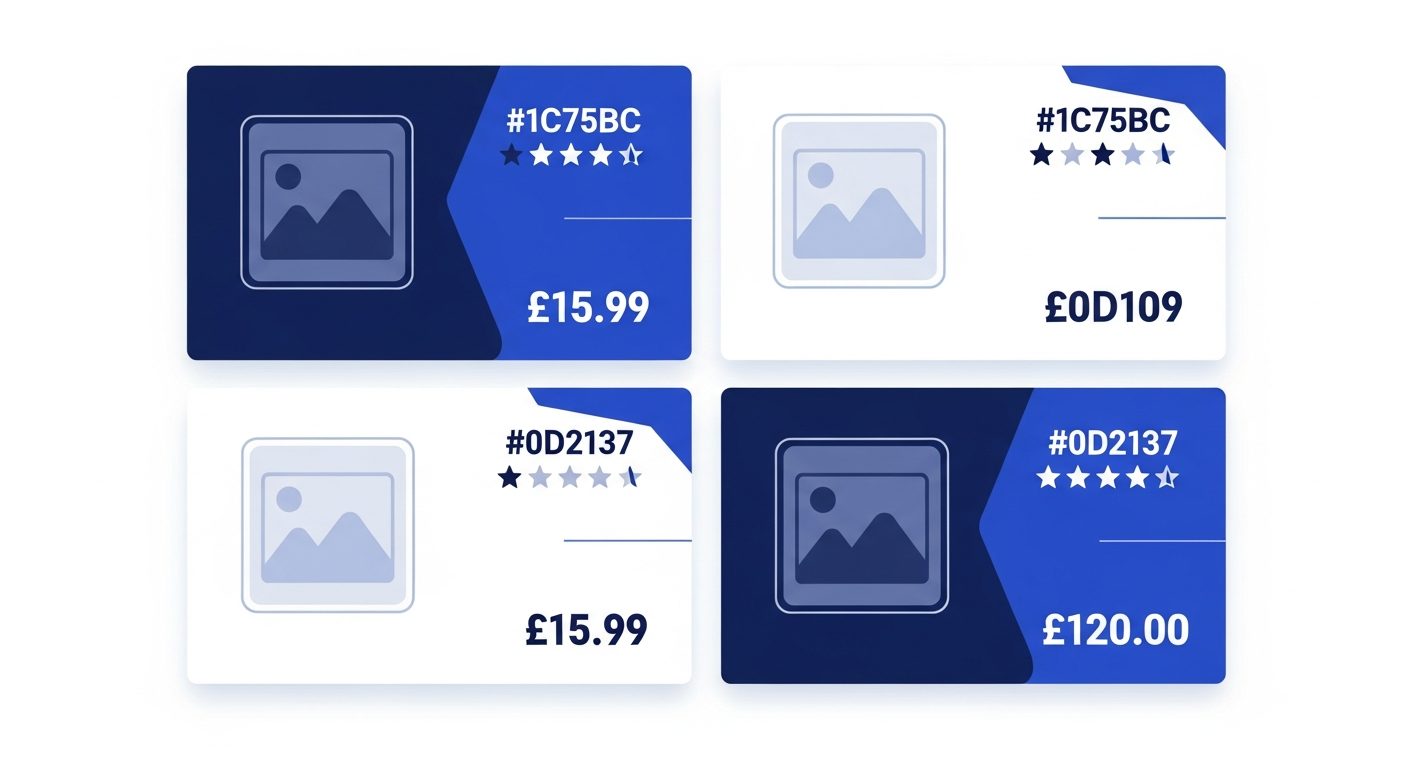
What you will see on the results page:
- Product image — see exactly what the part looks like
- Brand name — we stock OE (Original Equipment) and quality aftermarket brands
- Price — clear pricing in pounds, with any discounts shown
- Availability — whether the part is in stock and ready to ship or collect
- Part number — useful for checking against your existing part
How to choose the right part:
- Use filters on the left side of the page to narrow results by brand, price range, or part type
- Click on a product to see the full details page with specifications, fitment info, and customer reviews
- Check the “This part fits” section to confirm compatibility with your vehicle
- Compare prices and brands to find the best option for your budget
How to add items to your basket:
- On the product page, click the “Add to Basket” button
- If you need more than one, adjust the quantity before adding
- A confirmation will appear showing the item has been added — you can “Continue Shopping” or “View Basket”
- Your basket icon in the top-right corner of the page will show how many items you have and the running total
- Click the basket icon at any time to review your items, change quantities, or remove products
Tip: If you have a discount code, you can apply it in the basket before checkout. Look for the “Coupon Code” field.
Home Delivery
- Standard (2–4 days) — Free over £50, or £4.99
- Express (next day) — £7.99 for orders before 2pm
- Enter your postcode to see exact delivery options
- Track your order with the link in your confirmation email
Click & Collect (FREE)
- Always free — no minimum order value
- Choose your nearest branch at checkout
- Most orders ready same day
- You will receive an email or text when your order is ready
How to choose at checkout:
- When you proceed to checkout, you will be asked to choose a delivery method
- For home delivery: enter your delivery address and postcode, then select Standard or Express
- For Click & Collect: select “Collection” and choose your preferred branch from the list
- The shipping cost (if any) will be added to your order total automatically
How to complete your order:
- Review your basket — check all items, quantities, and the total price
- Enter your contact details (name, email, phone number)
- Enter your delivery address (or confirm your collection branch)
- Choose your payment method — we accept major credit/debit cards and PayPal
- Enter your payment details and click “Place Order”
- You will see an order confirmation screen and receive a confirmation email with your order number
Your payment is secure. All transactions are encrypted and processed through trusted payment providers. We never store your full card details.
Need Help?
If you are unsure about which part you need or need help placing an order, our team is here to help.
Frequently Asked Questions
Do I need to create an account to order?
No, you can checkout as a guest. However, creating a free account lets you track orders, save your vehicle, and speed up future purchases.
What if I order the wrong part?
We offer a 30-day returns policy. If the part is unused and in its original packaging, you can return it for a full refund or exchange. See our Return Policy for details.
How do I know the part will fit my car?
Use the Reg Lookup or Manual Vehicle Search before browsing. This filters all products to show only parts compatible with your exact vehicle specification.
Can I change or cancel my order?
If your order has not been dispatched yet, contact us as soon as possible and we will do our best to make changes. Once dispatched, you can return items under our returns policy.